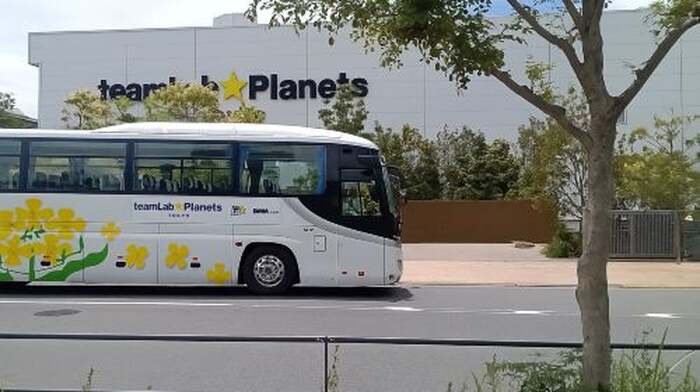
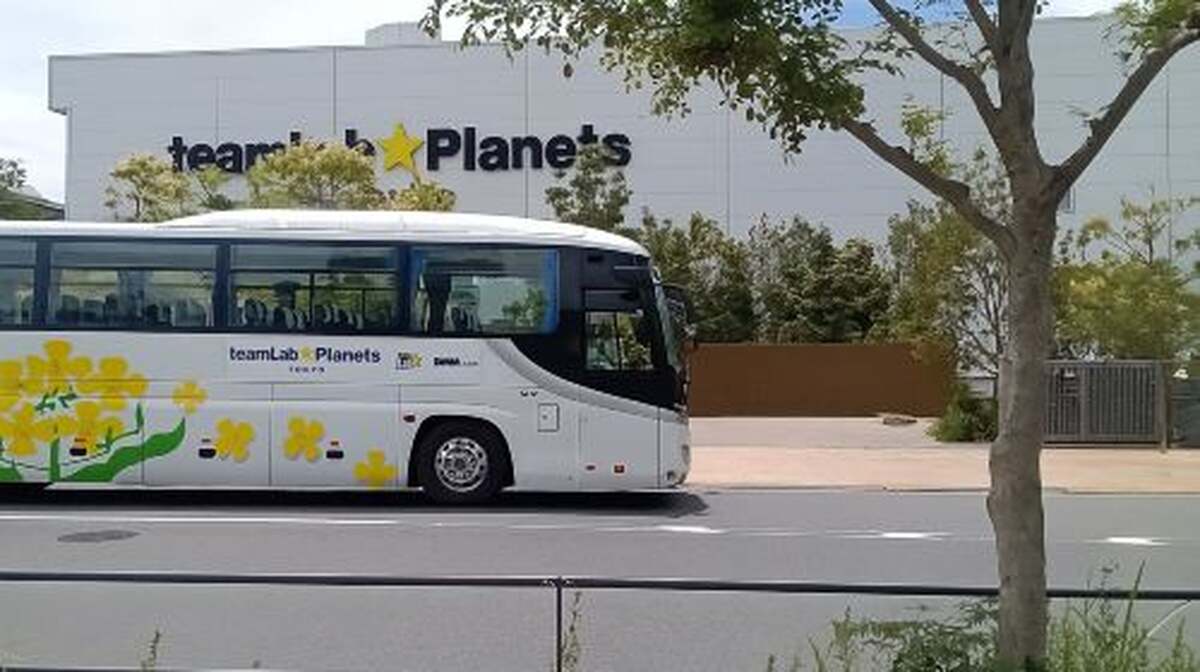
Pick-up point information
Departing from Ginza [Ginza GINZA SIX 2F Mihara Terrace]
Address: 6-10-1 Ginza, Chuo City, Tokyo 104-0061
https://content.linktivity.io/supplier-link/nanohanabus/ROE2V_f0607e76-9f95-4abd-bd39-397c0472244c.pdf
Departure from teamLab [teamLab Planets TOKYO DMM Bus Stop (East Side of the Facility)]
6-1-16 Toyosu, Koto-ku, Tokyo
Transportation method: 1-minute walk from the North Exit of Shin-Toyosu Station
(Yurikamome Tokyo Waterfront New Transit Rinkai Line)
https://content.linktivity.io/supplier-link/nanohanabus/ROE2V_6dc686bc-6964-4a1b-ba03-c9587e3cbdac.pdf
When taking the bus, use a mobile device such as a tablet or smartphone to access the e-ticket link received after booking. Show the e-ticket to the attendant (or driver) and press the use button.
* Internet access is required when using an e-ticket, so please ensure you have a network connection ready in advance.
Please note: Screenshots of photos or printed paper tickets cannot be used.
If multiple tickets are purchased in a single transaction, they cannot be used separately. Once the first ticket is used, all tickets will be consumed simultaneously. To use tickets on multiple occasions, please purchase them separately.
To prevent unauthorized use, when opening your e-ticket in a different environment from where it was first accessed, the system will require OTP (one-time password) verification. Please follow these steps to complete the verification.
1. Please enter a valid email address and tap Send.
2. Please check your email for the OTP password email. If you can't find it, it may have been classified as spam. If it's not in your spam folder either, the email address you entered may be incorrect. Please reopen the e-ticket website and enter your email address again.
3. Enter the OTP code from your email on the e-ticket screen and select Confirm. If the code is correct, you'll be directed to the e-ticket usage screen.
Please note: Once OTP verification is complete, the email address cannot be changed. Therefore, please make sure to enter your own email address when verifying.